All new Datasets, Experimentation and Evaluation documentation
 Marc Klingen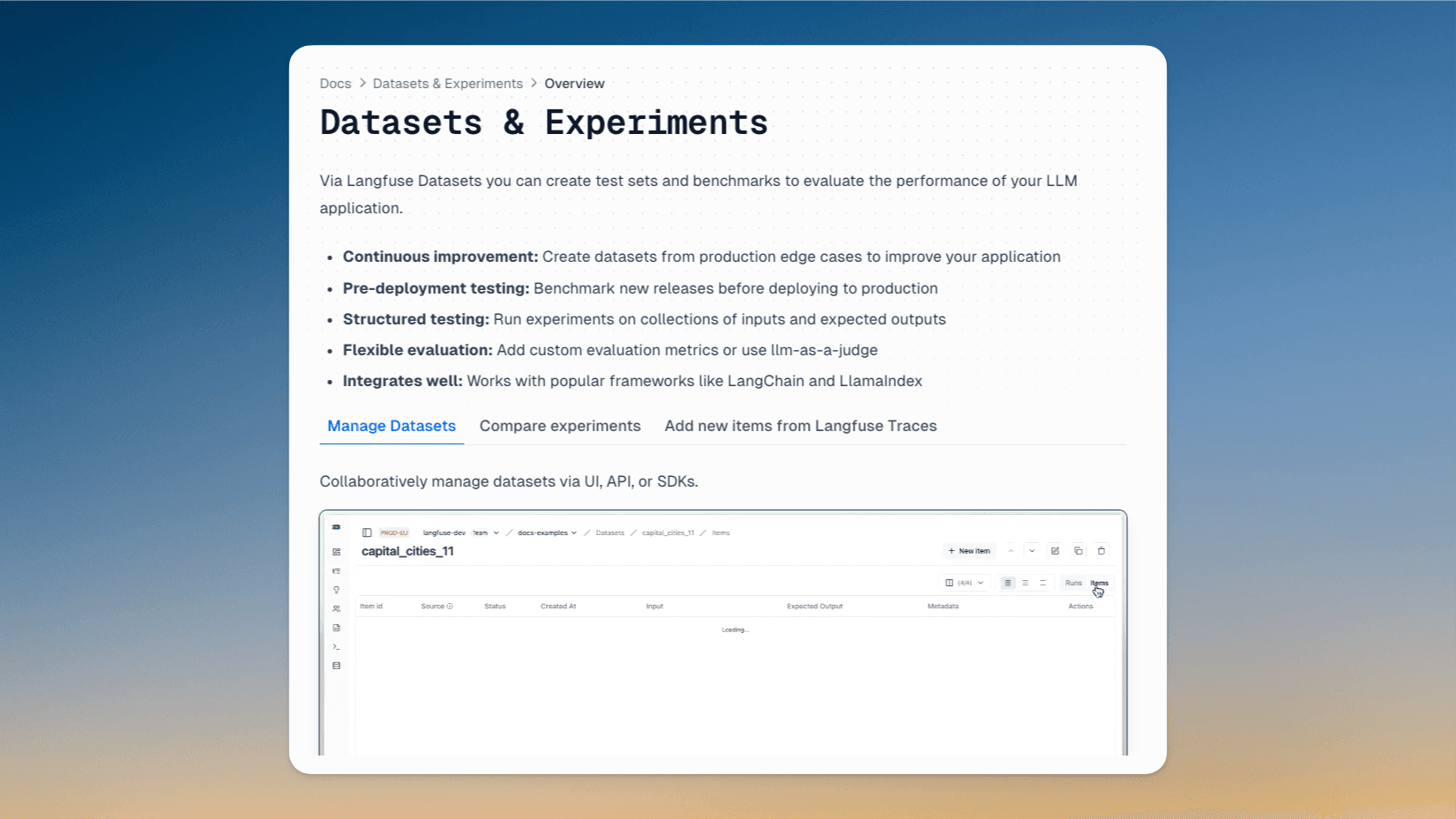
We've completely rebuilt the documentation for Datasets and Evals to make it easier to get started with offline evaluation. To celebrate Launch Week, we've also summarized all the documentation improvements we've made over the past year.
Today, on Day 4 of Langfuse Launch Week 2, we're highlighting an often overlooked but critical element of great Developer Experience: Documentation.
This week, alongside major updates to our Datasets and Evaluations features, we've completely rebuilt their documentation to be more thorough and user-friendly than ever before. This emphasizes the theme of Launch Week: helping teams accelerate the development of their LLM applications.
As the Langfuse community continues to grow (see metrics), comprehensive documentation has become essential for teams adopting our platform. To celebrate Launch Week, we've also summarized all the documentation improvements we've made over the past year. We think this is an interesting read and welcome any feedback you may have!
Coincidentally, this changelog post was added through the 1000th PR to the Langfuse Docs.
New Datasets and Evaluation documentation
Based on this week's changes, we have have restructured the documentation to:
- Better explain how and when to use Langfuse Datasets and Evals to evaluate your LLM applications in development
- Introduce the core data model of
datasets, experimentruns, andscores - Provide end-to-end examples for common workflows as Jupyter Notebooks
- Add many more gifs and toggles with additional explanations throughout the docs
Evaluation
Plot evaluation results in the Langfuse Dashboard.
Collect feedback from your users. Can be captured in the frontend via our Browser SDK, server-side via the SDKs or API. Video includes example application.
Run fully managed LLM-as-a-judge evaluations on production or development traces. Can be applied to any step within your application for step-wise evaluations.
Evaluate prompts and models on datasets directly in the user interface. No custom code is needed.
Baseline your evaluation workflow with human annotations via Annotation Queues.
Add custom evaluation results, supports numeric, boolean and categorical values.
POST /api/public/scoresAdd scores via Python or JS SDK.
langfuse.score(
  trace_id="123",
  name="my_custom_evaluator",
  value=0.5,
)
Datasets
Collaboratively manage datasets via UI, API, or SDKs.
Run experiments on datasets. Compare metrics across experiments, and see results side-by-side.
Directly add new items from production traces to datasets to improve your datasets over time.
Other documentation updates this week
New /docs start page
We have updated the most important page of the docs, /docs, to reflect the current product scope. Langfuse is now a comprehensive platform for LLM observability, experimentation, and evaluation. This new start page helps discover and navigate the different features.
llms.txt
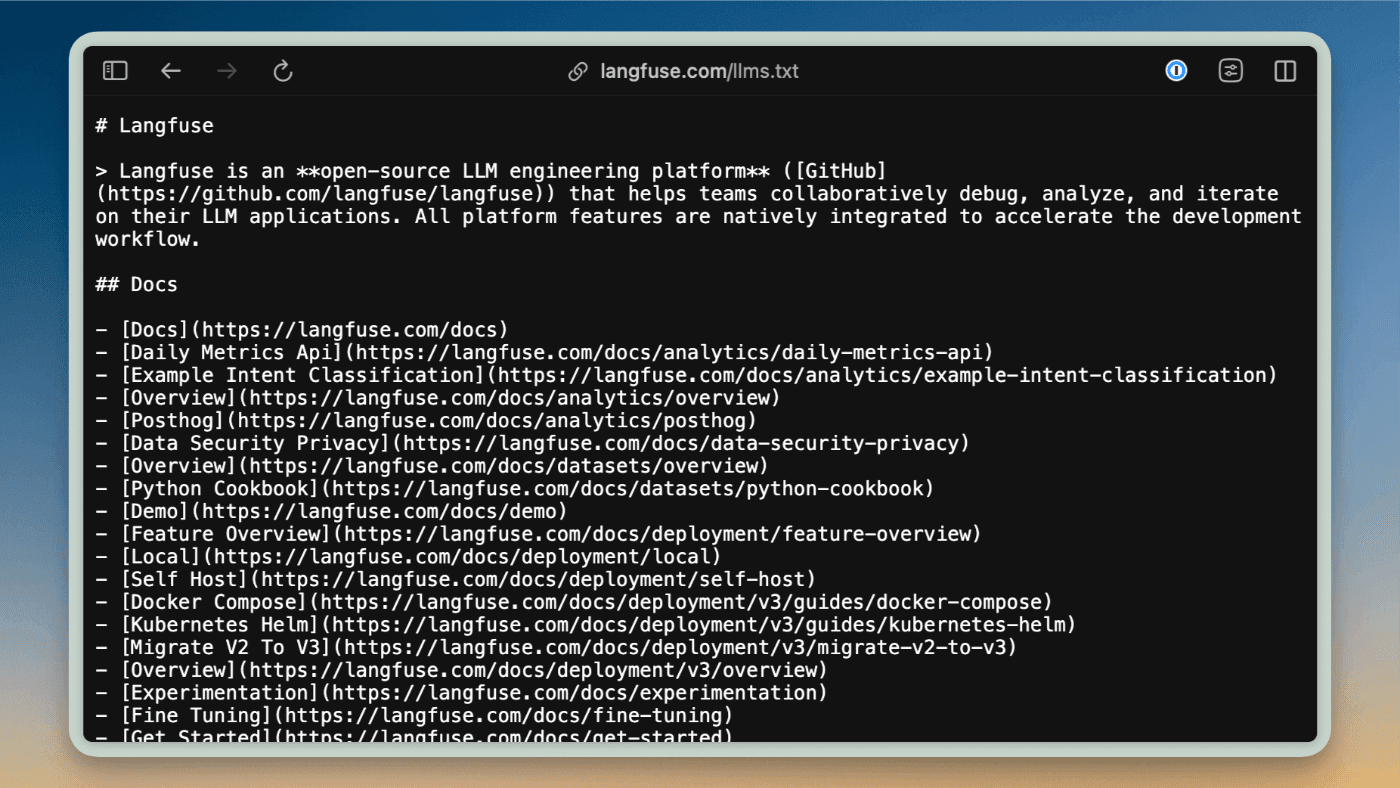
We have added a new llms.txt file to the Langfuse docs that allows you to easily use Langfuse documentation in Cursor and other LLM editors. The file follows the standard proposed by llmstxt.org and is automatically generated during the docs build process, making our documentation more accessible to LLM-powered tools. See changelog post for details.
Learn more about Documentation at Langfuse
Why is documentation important?
"Documentation is product"
Datasets, Experiments, and Evals are a great example on why documentation is essential. They can be used flexibly via their APIs and SDKs, and we consistently hear from teams who love Langfuse for this flexibility.
At Langfuse, we believe in building powerful, flexible abstractions that can support a wide range of LLM application development workflows. Through deep collaboration with our community, we first understand how teams want to use Langfuse in their unique contexts. This helps us design foundational low-level APIs and SDKs that are flexible enough to support diverse use cases, rather than forcing teams into rigid, opinionated solutions. Langfuse APIs are very stable and you can build your own workflows on top of them without risking constant breaking changes.
We then layer on intuitive higher-level abstractions and thorough documentation to make these capabilities accessible. This approach of starting with community needs to inform our low-level design requires excellent documentation to help teams map our flexible primitives to their specific workflows.
Since releasing Langfuse last year, our langfuse-docs repository has been similarly active as our main application and SDKs. Documentation is product and we take it very seriously. More on what we have built in langfuse-docs below.
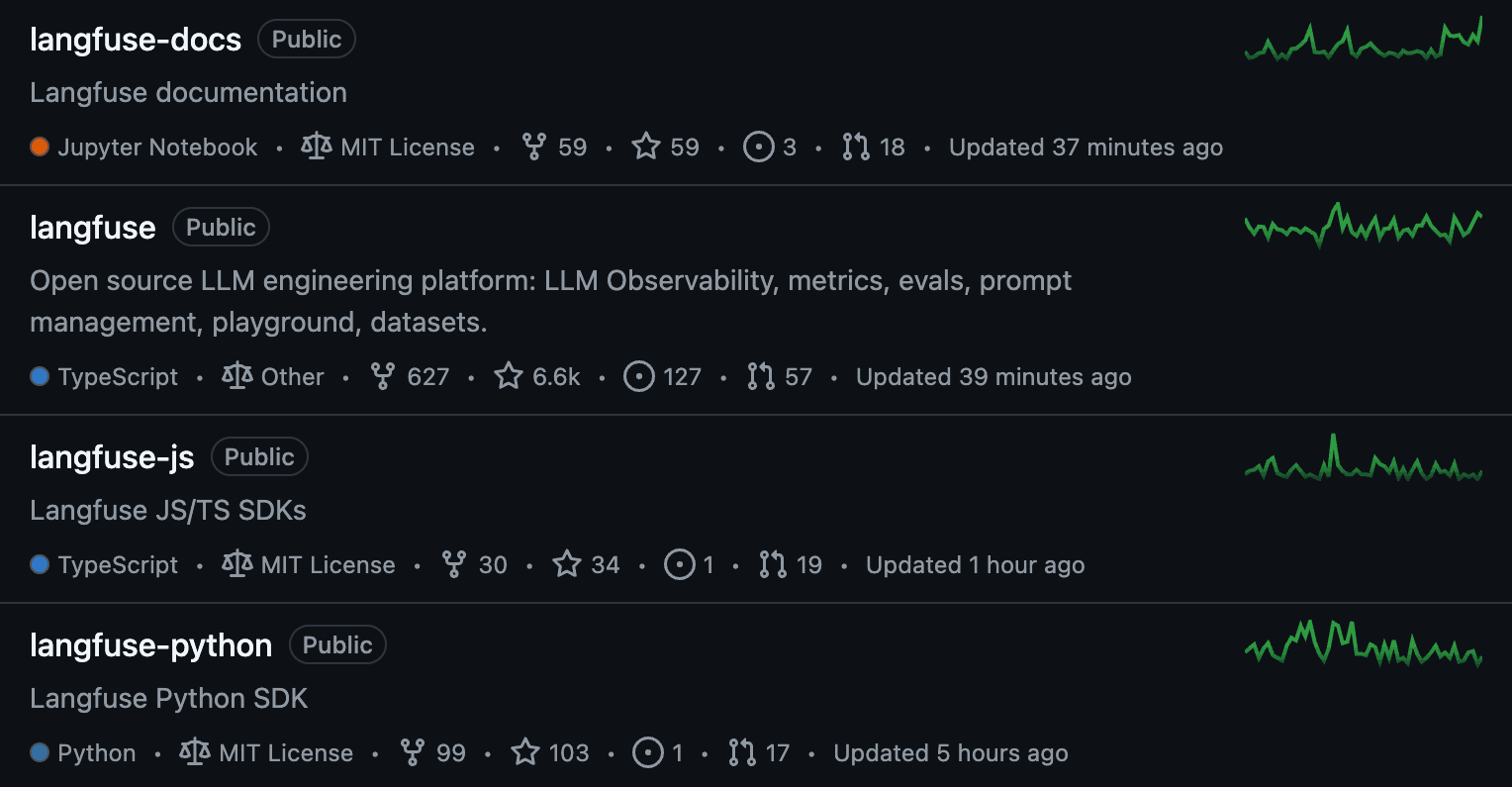
Peak into our documentation
All of Langfuse Documentation is open source (repo) and built with Nextra to render markdown. We use Shadcn/UI and TailwindUI for the UI components.
Over the last year we have added many features that help get the most out of the docs. See interactive demonstrations of these features below:
Embedded GitHub Discussions
GitHub Discussions has long been the best place to ask questions and provide feedback about Langfuse. It has helped scale support and foster collaboration on new features. To make it easier to discover answers to common questions and vote on feature requests, each documentation page shows relevant GitHub Discussions based on labels. Learn more in this changelog post.
Q&A Chatbot (Langfuse Example)
The Q&A chatbot helps users find relevant information in the Langfuse docs. The chatbot is also a great example of how to use Langfuse for observability, analytics, and feedback collection. Learn more about the implementation in this blog post.
Feedback that pushes to Slack
At the bottom of each page, you will find a feedback widget that sends feedback to the Langfuse Slack. Thank to your input, many inconsistencies and issues in the documentation were fixed!
"To App" / "Sign Up" button
Adding a "To App" / "Sign up" button seems simple, we put extra thought into making it context-aware. The button dynamically updates to show either "Sign up" or "To App" based on your authentication status. Since Langfuse offers both EU and US data regions, the button routes users to the appropriate instance - authenticated users are directed to their logged-in region, while new users are routed based on their geo-location.
Jupyter Notebooks
Examples are great to explore and learn about a developer tool. Many end-to-end examples in the Langfuse docs are Jupyter Notebooks and rendered natively in the documentation. You can find the complete collection in our cookbook. For a seamless experience, each cookbook page displays a banner at the top that allows you to instantly open the notebook in Google Colab or view it directly on GitHub. This makes it easy to explore, run, and experiment with our examples.
Feedback?
If you made it this far, documentation seems to matter to you. We would love to hear from you!
Please reach out on Discord or GitHub Discussions if you have any feedback on how we can improve the Langfuse docs. Also, we are happy to answer any questions you might have about our documentation setup. If you are curious how any of this is implemented, check out the langfuse-docs repo.